 Sarosa
Stays on your Mac
History, chats, sessions and Bots are stored locally. No account needed.
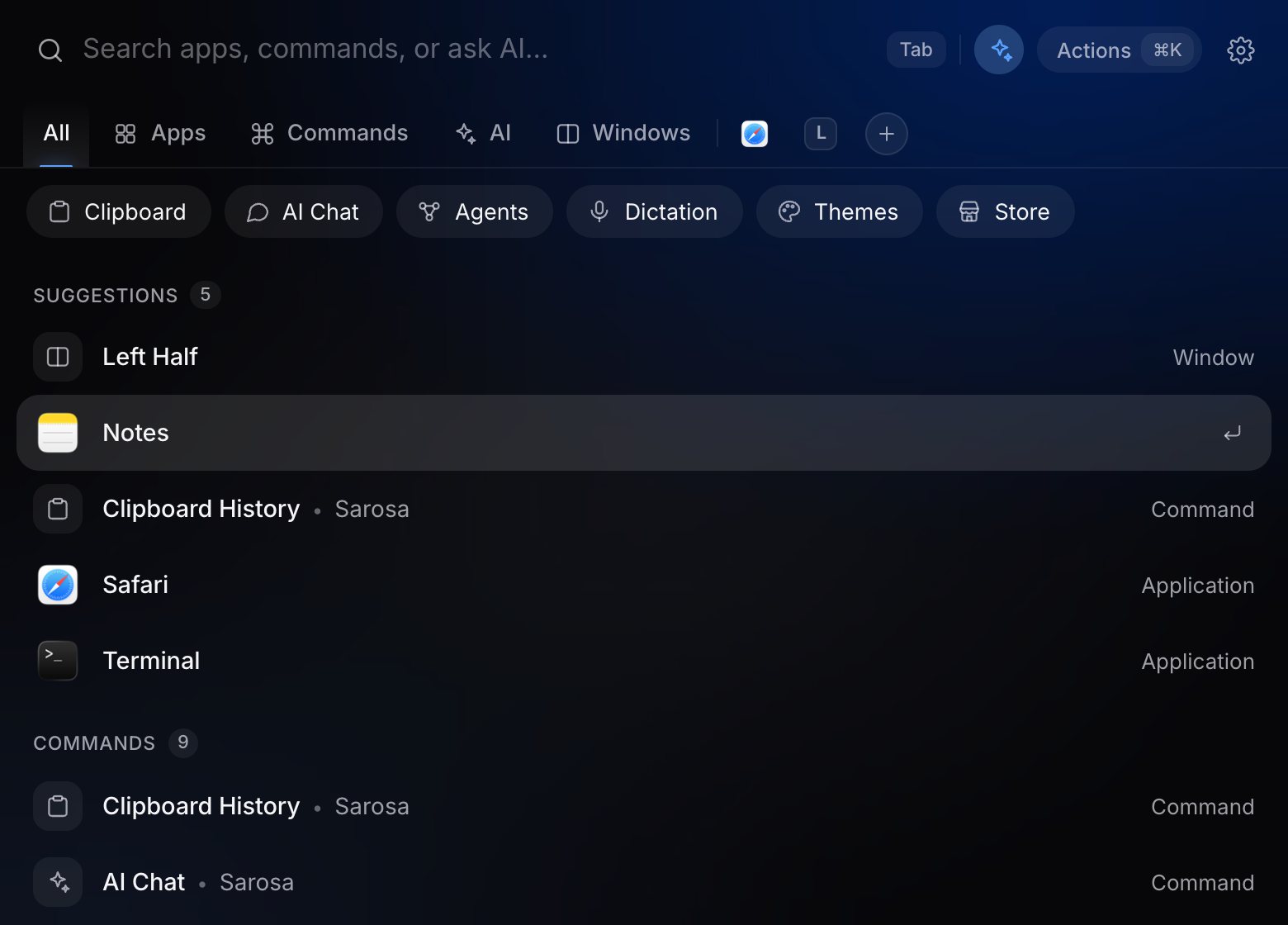
Sarosa is a free launcher for macOS. Open apps, search your clipboard and talk to AI in a keystroke, run every coding agent in one window, and keep a team of Bots working for you.
Then press ⌥Space anywhere · Apple silicon, macOS 13+
Works with the AI you already pay for
 Claude Code
 Codex
%20--%3e%3cdefs%3e%3cstyle%3e%20.st0%20{%20fill:%20%23edecec;%20}%20%3c/style%3e%3c/defs%3e%3cpath%20class='st0'%20d='M457.43,125.94L244.42,2.96c-6.84-3.95-15.28-3.95-22.12,0L9.3,125.94c-5.75,3.32-9.3,9.46-9.3,16.11v247.99c0,6.65,3.55,12.79,9.3,16.11l213.01,122.98c6.84,3.95,15.28,3.95,22.12,0l213.01-122.98c5.75-3.32,9.3-9.46,9.3-16.11v-247.99c0-6.65-3.55-12.79-9.3-16.11h-.01ZM444.05,151.99l-205.63,356.16c-1.39,2.4-5.06,1.42-5.06-1.36v-233.21c0-4.66-2.49-8.97-6.53-11.31L24.87,145.67c-2.4-1.39-1.42-5.06,1.36-5.06h411.26c5.84,0,9.49,6.33,6.57,11.39h-.01Z'/%3e%3c/svg%3e) Cursor
 OpenAI
 Gemini
 Grok
 Kimi
 DeepSeek
 Mistral
 Groq
 OpenRouter
 OpenCode
Start with a keystroke. Hand a task to an agent. Give a recurring job to a Bot.
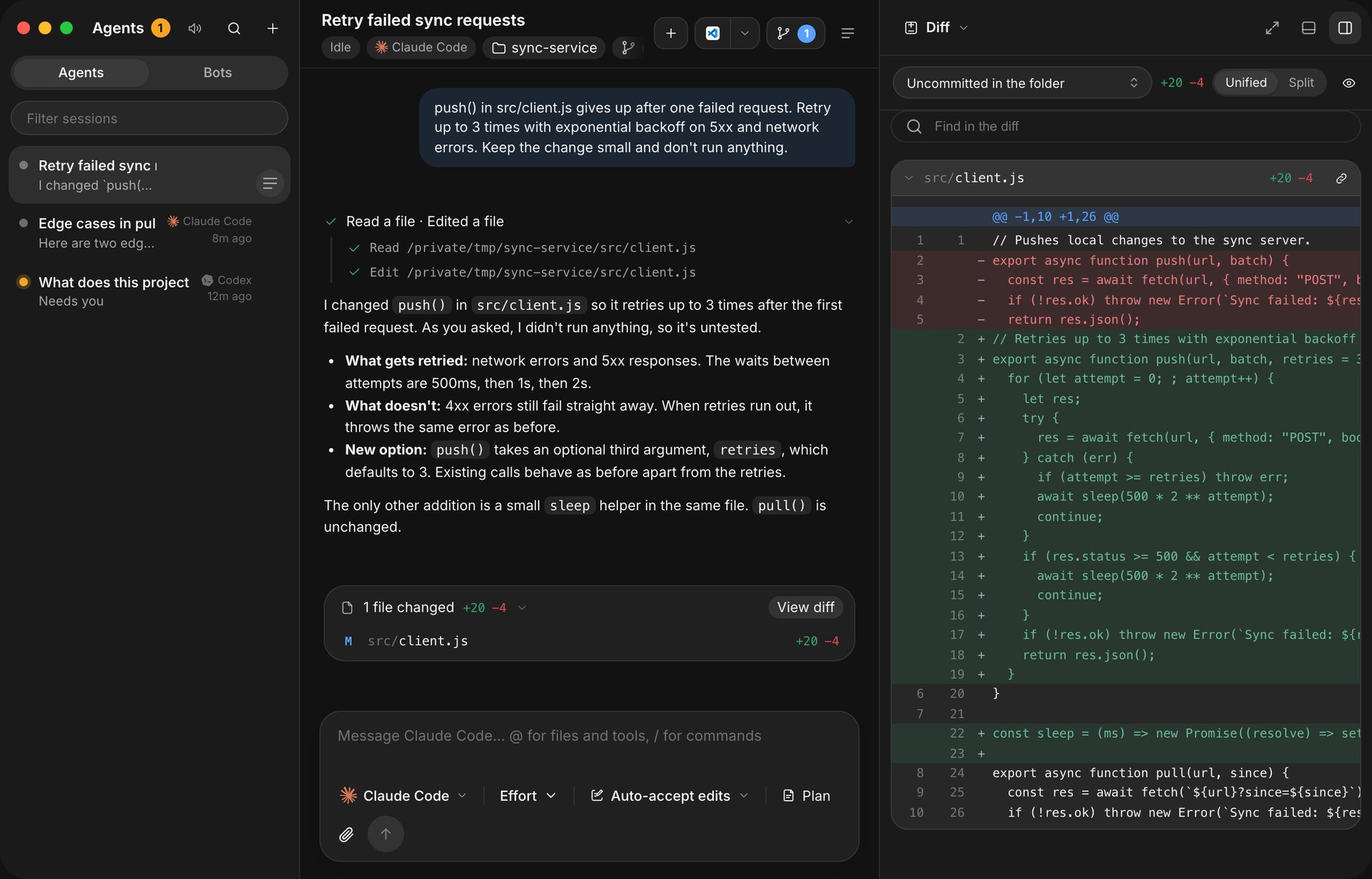
Run sessions on Claude Code, Codex, Cursor, Grok and OpenCode with the subscriptions you already have. Follow each step, review the diff, and send feedback on the exact line.
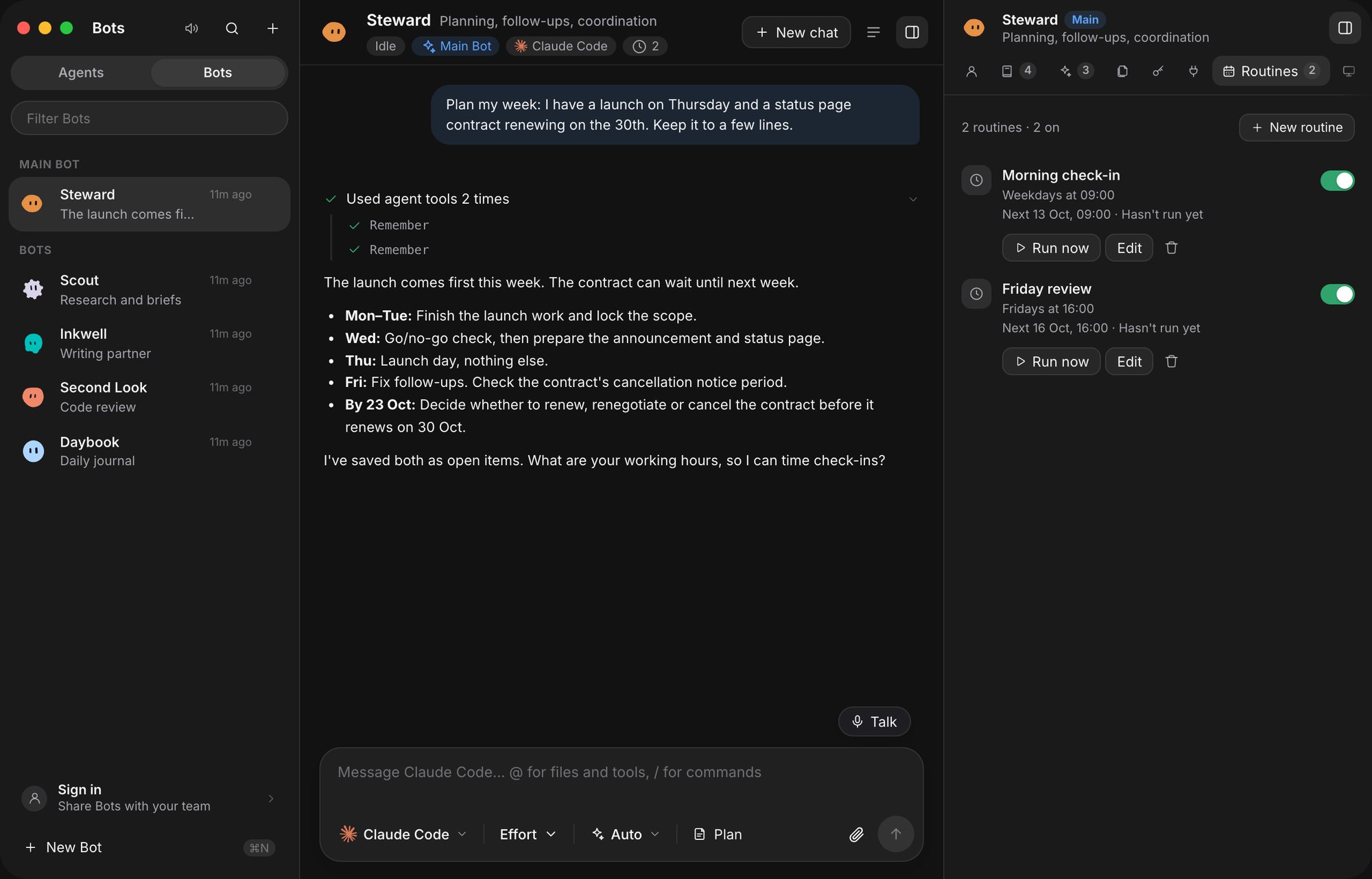
A Bot is an assistant with its own name, face, memory, skills and files. Give it a routine and it runs on a schedule, on a webhook, or when another Bot finishes.
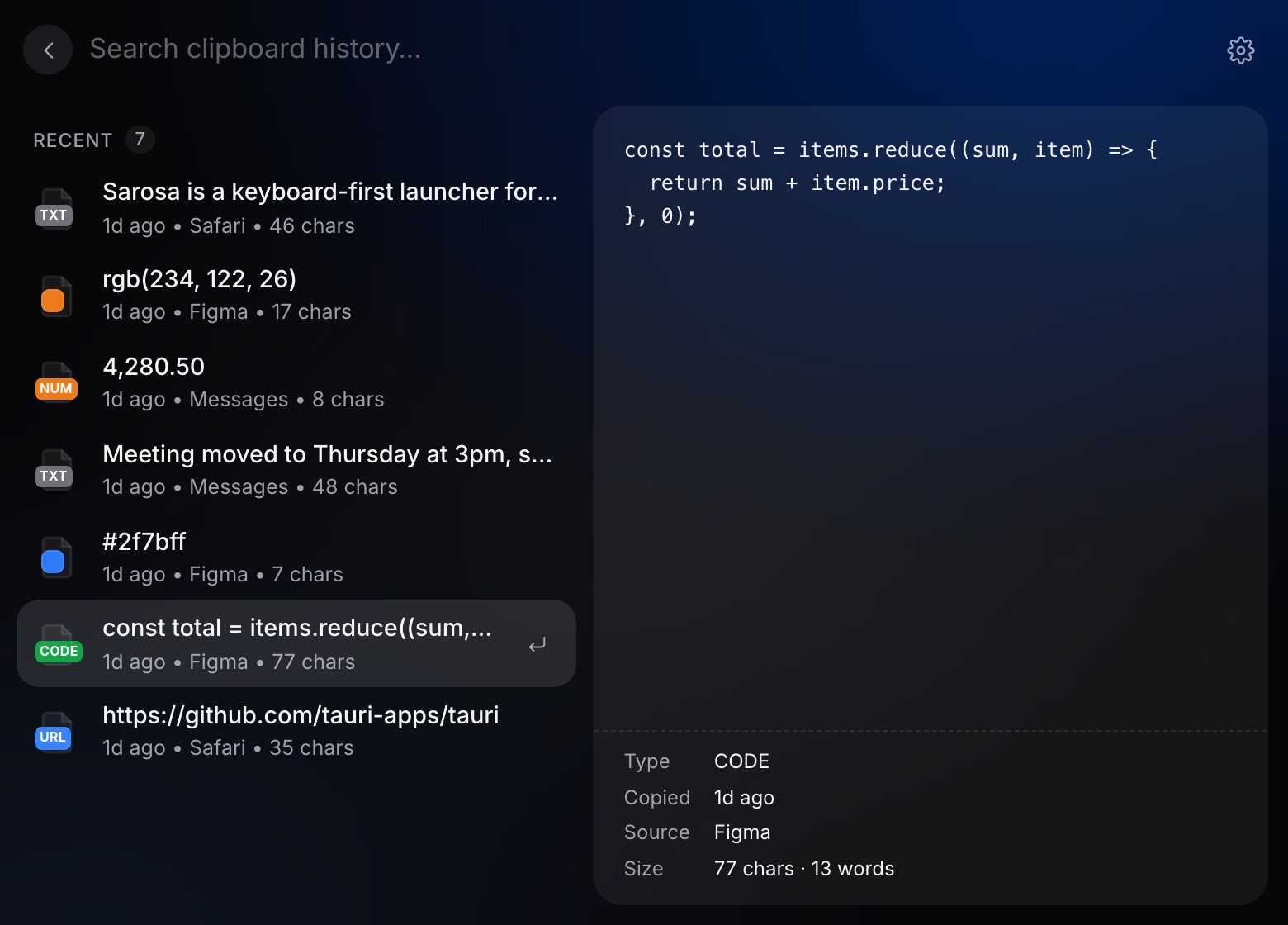
Text, links, code and colours, kept with the app they came from. Passwords are skipped.
Halves, thirds, quarters, other displays, or layouts you save.
Speak in any app and the text lands at your cursor, transcribed on your Mac.
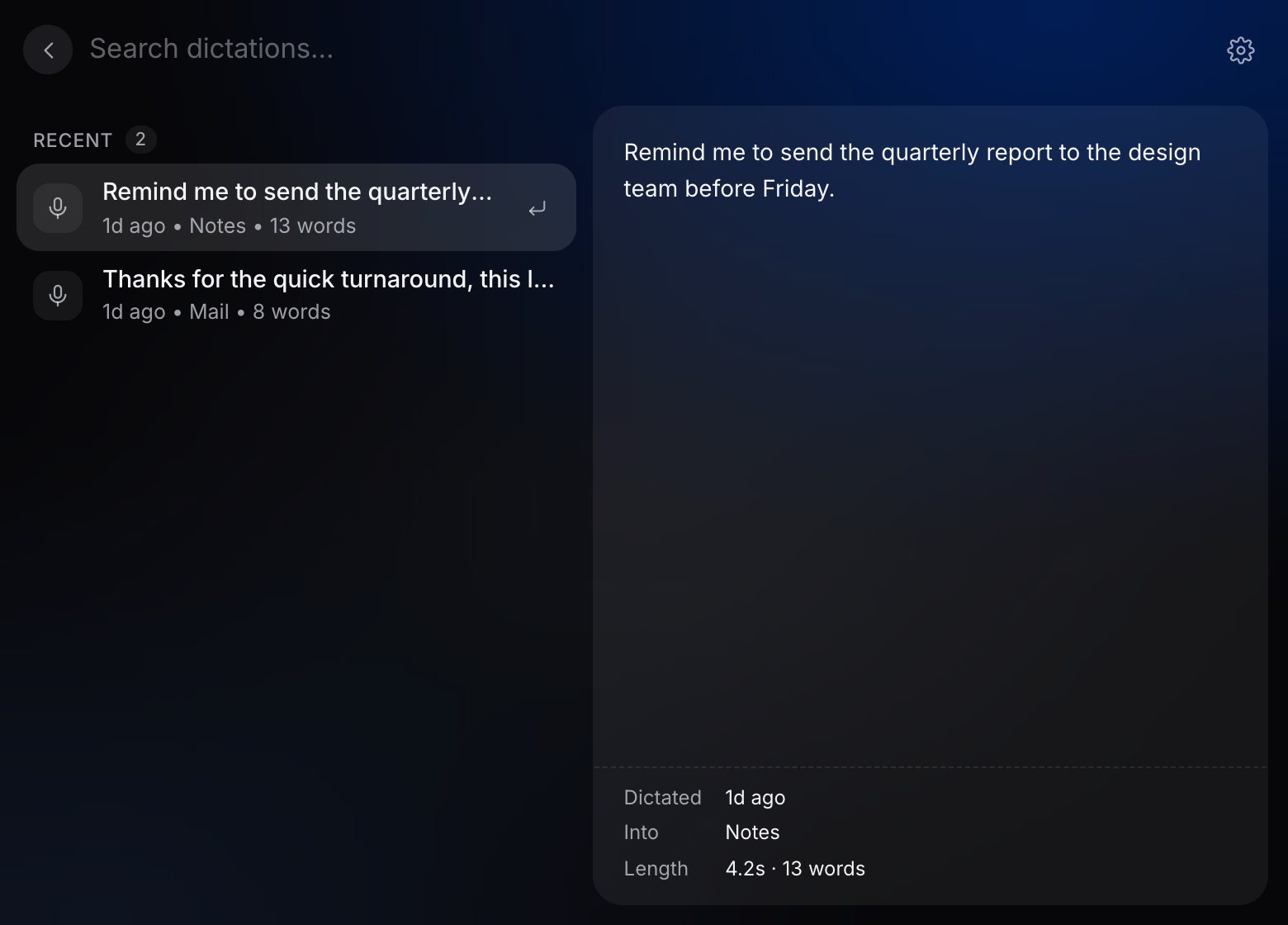
Send a window, a screen area or selected text to the model you choose.
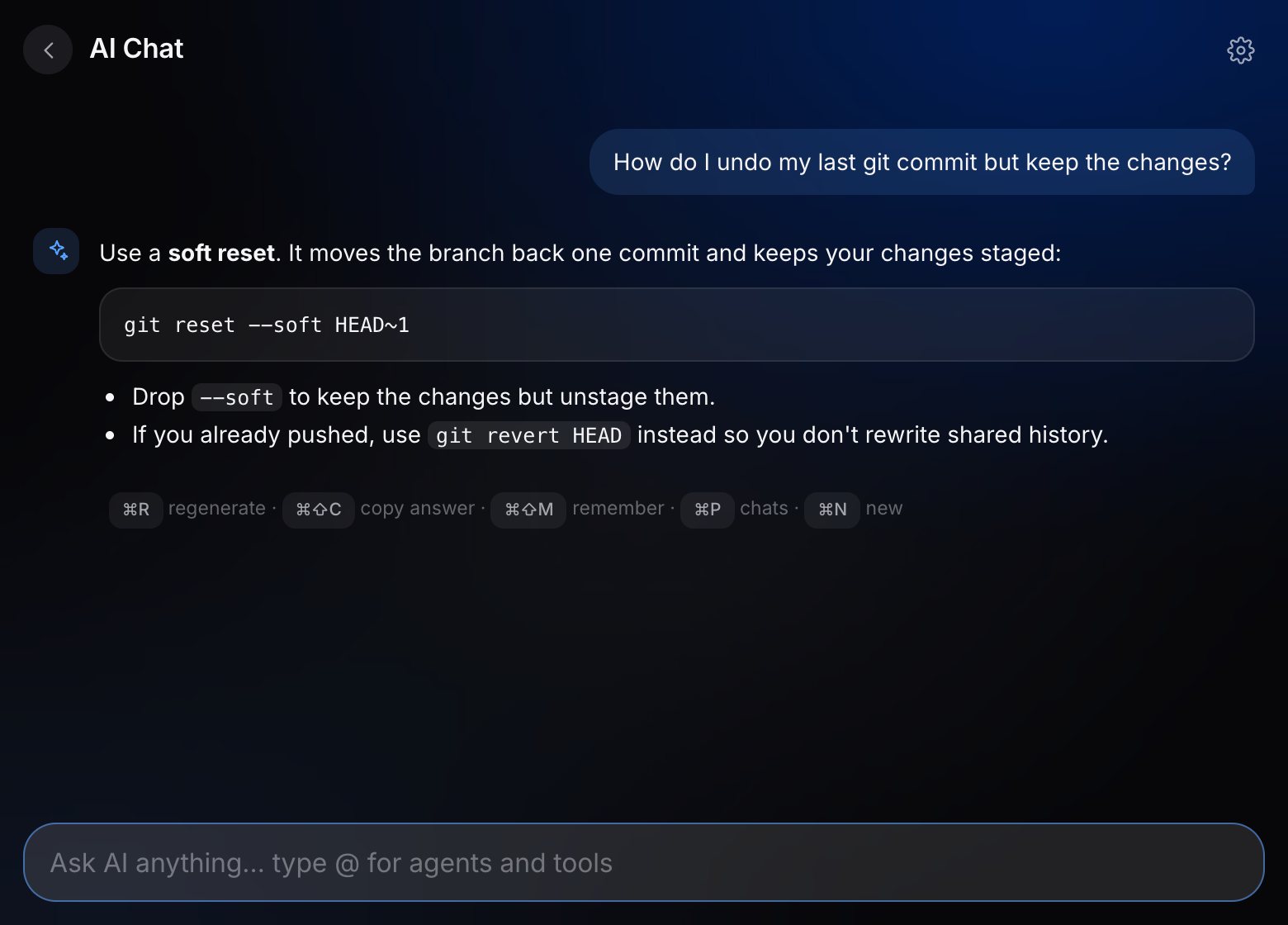
Timed focus sessions hide the apps you pick the moment they come forward.
A note that stays on top while you work, searchable from the launcher.
See what's next, join the call in one keystroke, and create events in plain words.
Snippets, quicklinks, emoji, calculator, menu search and 40 more
Browse open-source extensions and install them without leaving the launcher. They render native lists, forms and detail views, and each runs in its own worker, so a slow one can't freeze the rest.
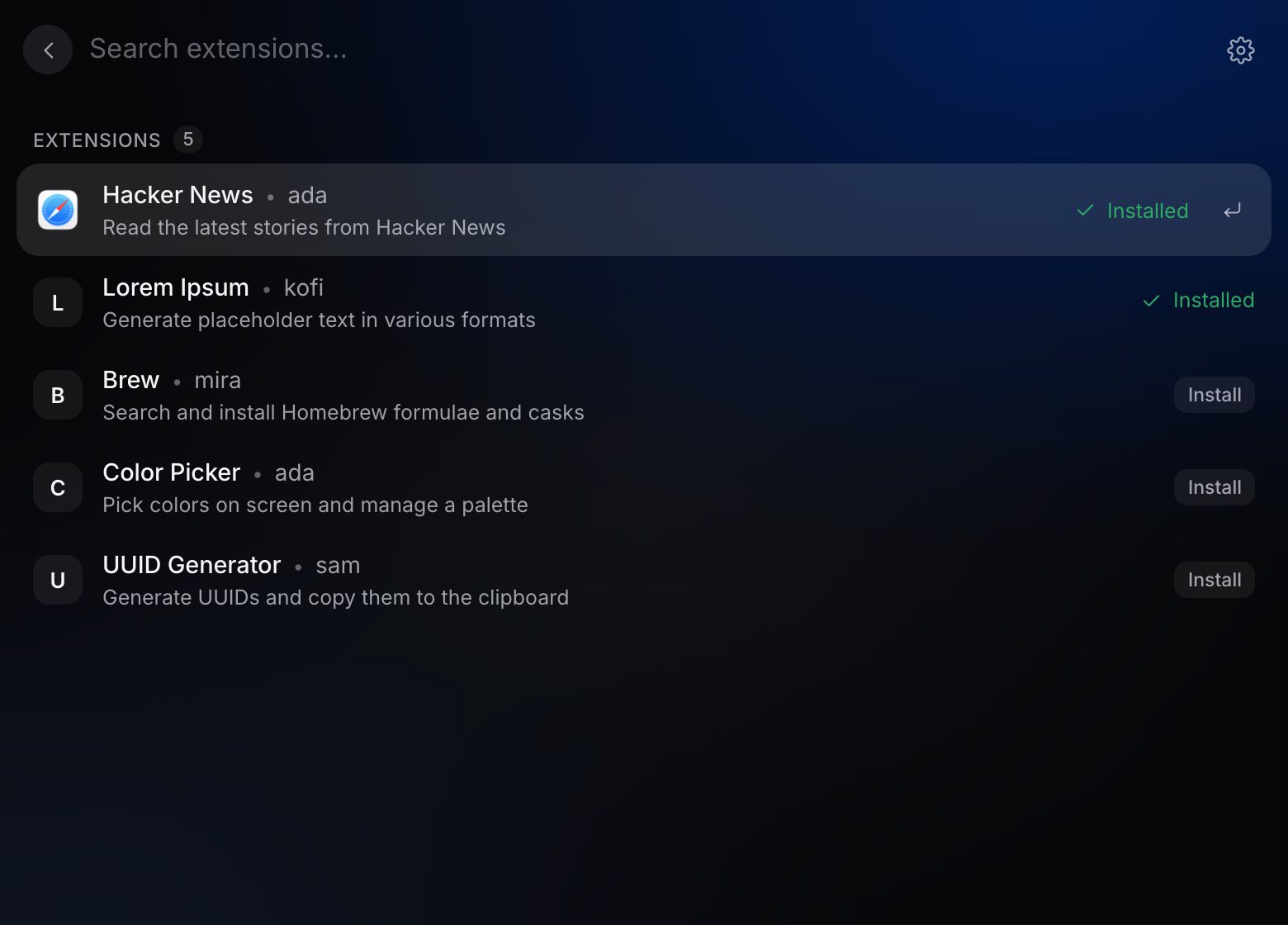
Sarosa talks only to the AI services you connect, with your own keys and subscriptions.
History, chats, sessions and Bots are stored locally. No account needed.
API keys, sign-ins and Bot secrets live in the macOS Keychain.
Dictation and Bot voice run on your Mac when macOS supports it.
What a password manager marks as secret never enters your history.
Everything you need to know before you press ⌥ Space.
Yes. Sarosa is free. You only pay for the AI services you choose to connect, with your own plan or API key.
Apple silicon Macs running macOS 13 or later.
No. The launcher, clipboard, windows, notes, snippets and extensions work without one. For AI, sign in with Claude Code, Codex or Cursor, or add an API key from OpenAI, Gemini, xAI, Kimi, DeepSeek, Mistral, Groq, OpenRouter or Anthropic.
On your Mac. There's no Sarosa account. API keys and sign-ins are kept in the macOS Keychain, and iCloud sync is optional.
Agents are coding sessions on a project: you give a task, review the diff and move on. Bots are lasting assistants with their own memory, skills, files and routines that keep working for you over time.