 Sarosa
Your choice of model
Claude Code, Codex and Cursor sign-ins, or API keys for nine services.
Open AI Chat from anywhere, ask a question, and read the answer as it's written. Use Claude, OpenAI, Gemini and more with the plans and keys you already have.
⌘J opens it inside Sarosa
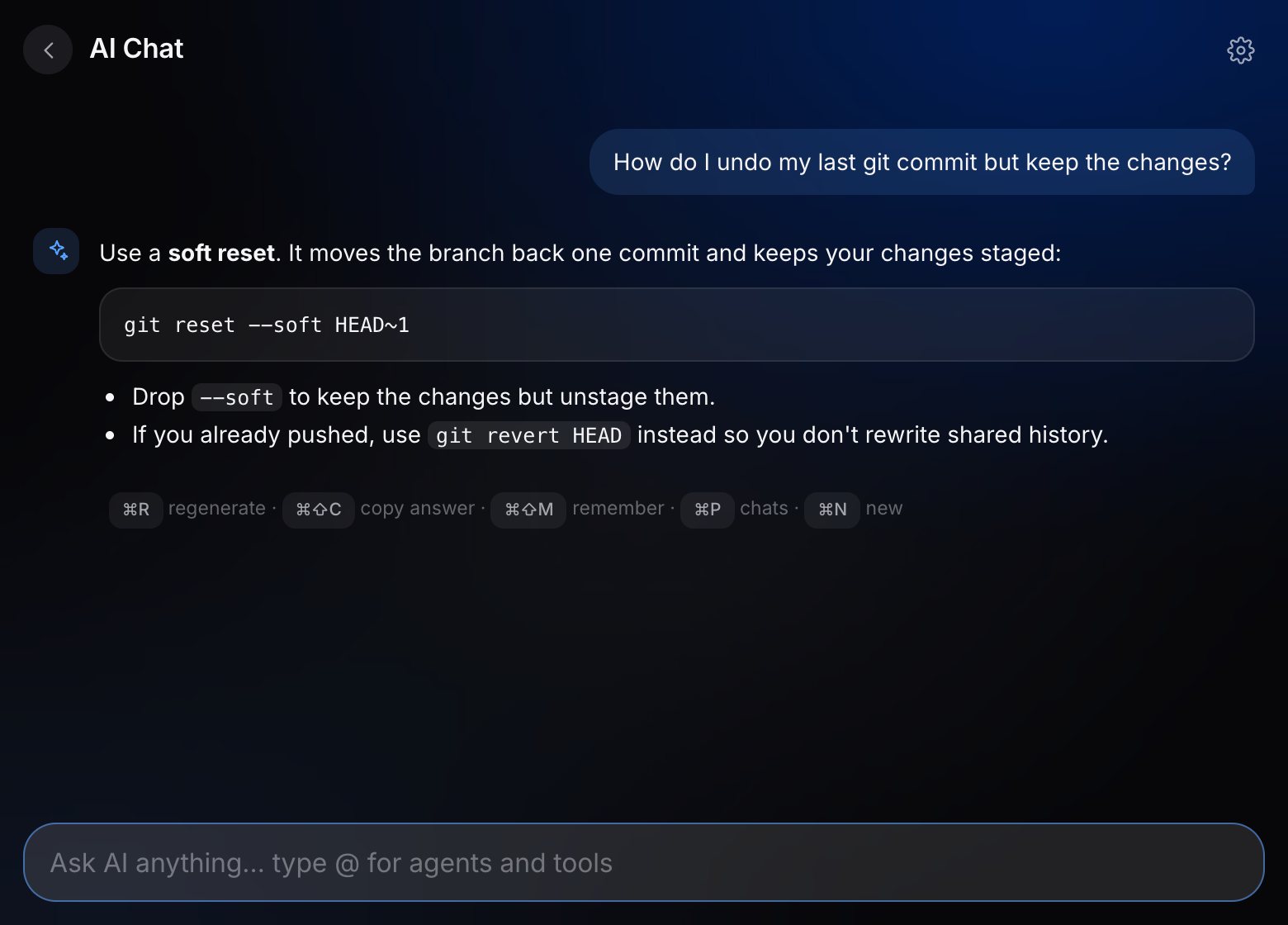
Code blocks, lists and formatting render properly, and every chat is saved so you can come back to it later.
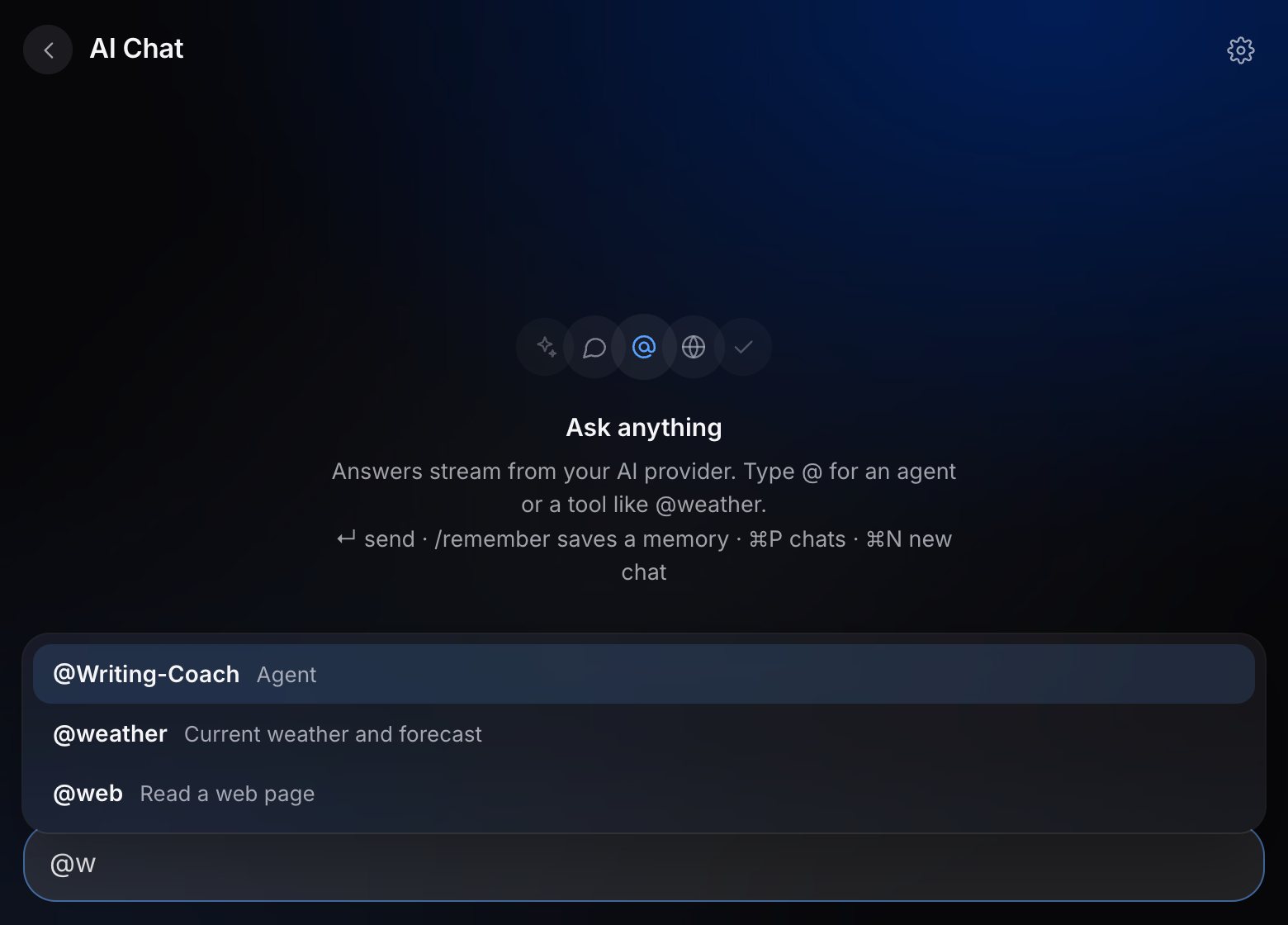
Mention a file, an extension or a tool with @, or send what's on screen. The model sees what you're looking at.
Claude Code, Codex and Cursor sign-ins, or API keys for nine services.
See how much of your Claude and Codex plan is left.
API keys are stored in the macOS Keychain.
No. Sign in with Claude Code, Codex or Cursor, or add an API key from OpenAI, Gemini, xAI, Kimi, DeepSeek, Mistral, Groq, OpenRouter or Anthropic.
On your Mac. They're only sent to the AI service while you're chatting.
Have an idea to make ai chat better?
Suggest it