 Sarosa
Quick views
Jump to Clipboard, AI Chat, Agents, Dictation, Themes or the Store with ⌘ and a letter.
Press ⌥ Space anywhere and start typing. Apps, commands, windows, extensions and AI are all in the same list, with what you use most at the top.
⌥Space opens it from any app
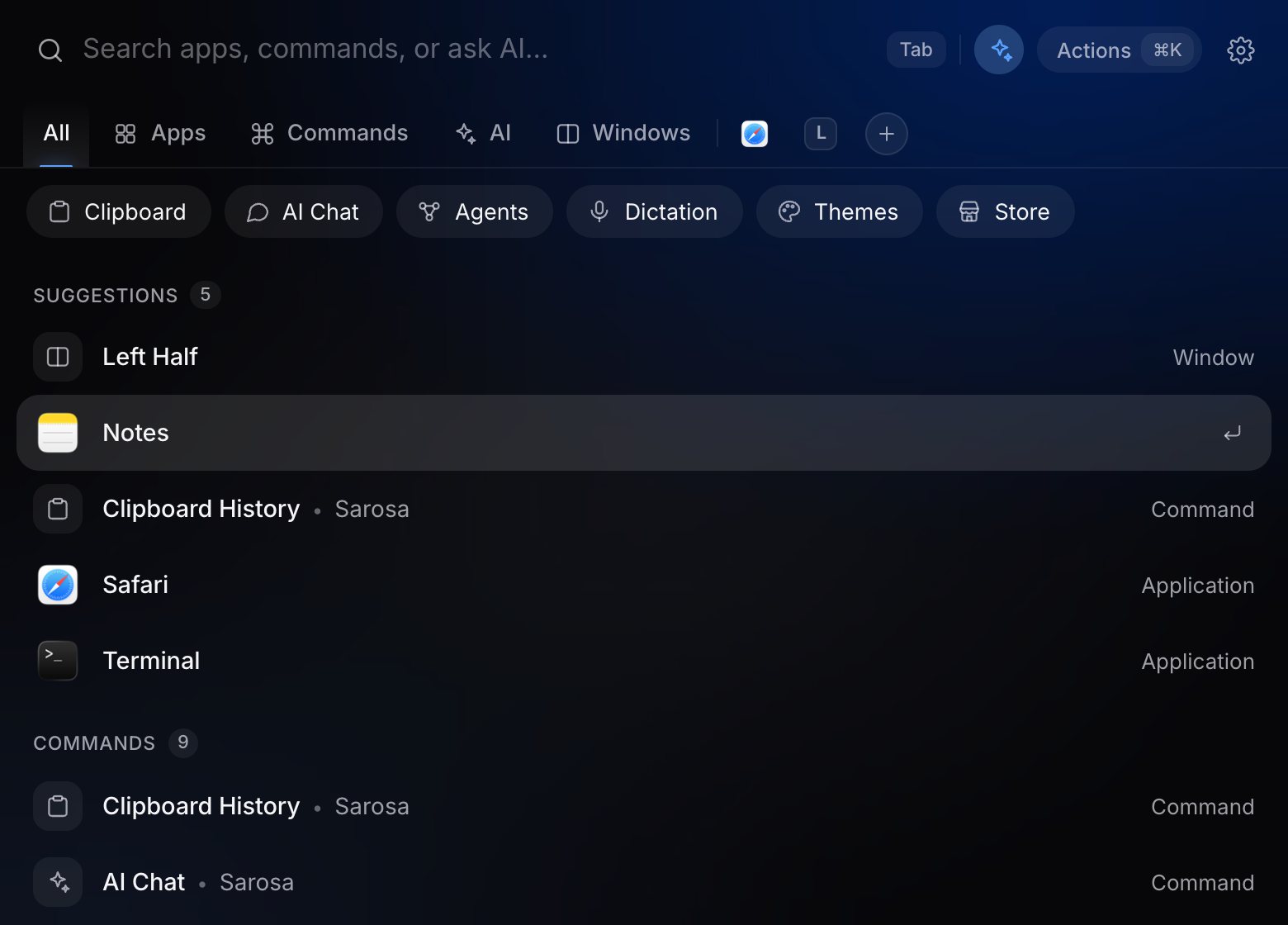
Fuzzy matching finds "Visual Studio Code" from "vsc" and "System Settings" from "sys set". You don't need to remember exact names.
Sarosa remembers what you pick for each search and how recently, and moves it up. After a day or two, most things are the first result.
Jump to Clipboard, AI Chat, Agents, Dictation, Themes or the Store with ⌘ and a letter.
Press ⌘K on a result for everything you can do with it.
Give any result a short alias, like "gh" for GitHub.
Give any result its own global shortcut.
Press Tab to send what you typed to AI Chat.
Show just the search bar until you type, or always show results.
Yes. Set any shortcut in Settings → General → Sarosa Hotkey.
No. Search and its ranking run on your Mac. Only what you send to AI goes to the AI service you chose.
Have an idea to make search that learns better?
Suggest it